
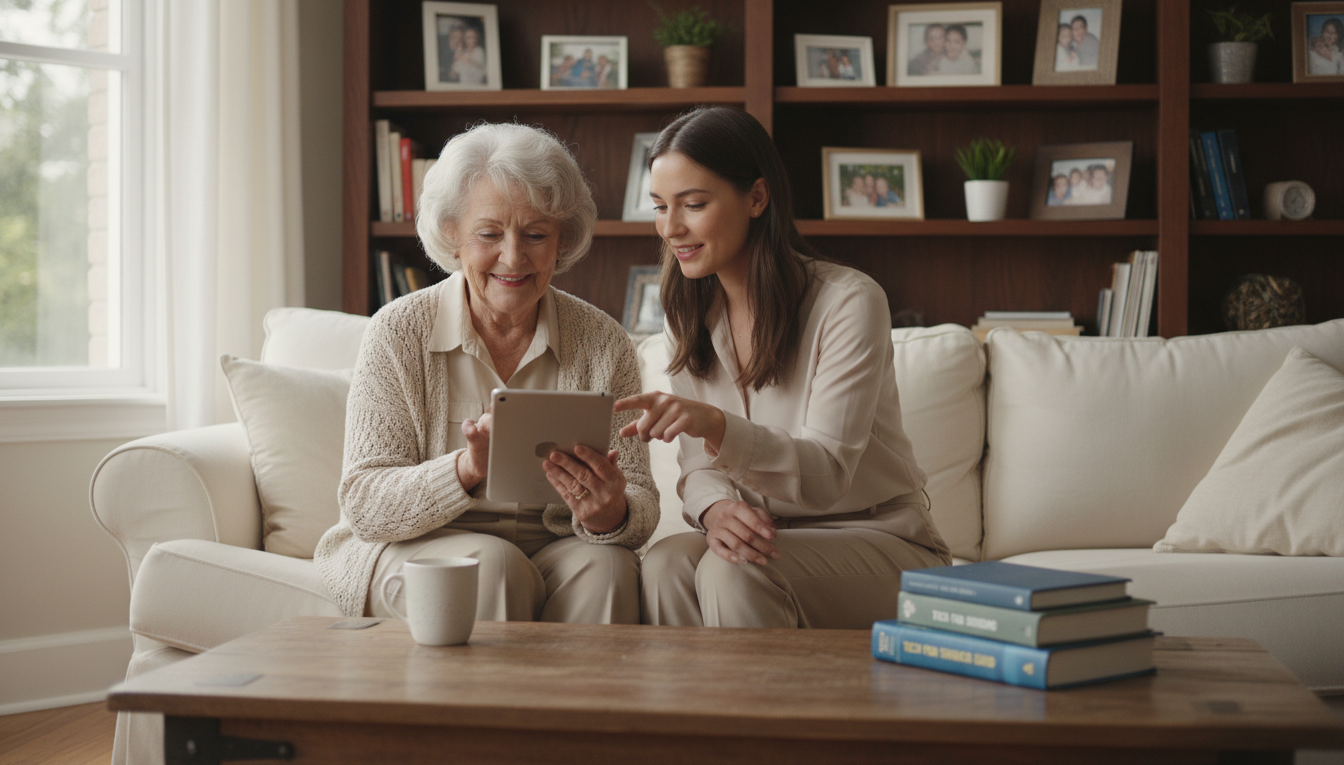
How Seniors Can Build Digital Confidence Without Feeling Overwhelmed
Technology has become essential in modern life for people of all ages. For older adults, these tools offer incredible opportunities to stay connected and maintain independence. Many find the rapid pace of change intimidating at first.
Recent data from Pew Research Center shows remarkable growth. Internet usage among those 65 and older jumped from 75% in 2021 to 90% in 2025. This demonstrates that more seniors are successfully embracing digital tools every day.
This guide provides practical strategies designed specifically for older adults. The approach focuses on reducing stress and confusion when navigating the online world. Technology can significantly enhance quality of life through better communication, health resources, and daily task management.
Developing skills with technology is a gradual process that requires patience. Everyone starts as a beginner, and making mistakes is a natural part of learning. This comprehensive resource covers understanding benefits, overcoming hesitation, choosing devices, ensuring safety, and connecting with community.
Key Takeaways
- Technology adoption among seniors has grown significantly in recent years
- Digital tools can greatly improve communication and daily life management
- Learning new technology skills is a gradual process that requires patience
- Practical strategies can reduce feelings of being overwhelmed
- Online safety and device selection are important considerations
- Everyone starts as a beginner when learning new technology
- Technology enables better access to health resources and community connections
Embracing the Digital World: Opportunities for Seniors
Contemporary communication tools have transformed how people interact across generations. These innovations create powerful ways to maintain relationships despite physical distance.
Staying Connected with Loved Ones
Video calling applications like FaceTime, Zoom, and Skype make face-to-face conversations possible. Seeing loved ones creates a more personal connection than traditional phone calls.
FaceTime works seamlessly for iPhone users with other Apple devices. Zoom handles larger family gatherings with multiple participants. Skype offers cross-platform compatibility across different devices.
Photo-sharing apps and digital frames let family members share moments instantly. This keeps older adults involved in daily life events when they cannot be present physically.
Enhancing Quality of Life
Modern tools provide access to entertainment, educational resources, and health management. They also offer convenient services like banking and shopping from home.
These resources can reduce feelings of isolation by connecting people with online communities. Social media platforms and support groups help engage with others who share similar interests.
Technology enables pursuing hobbies through online tutorials and virtual classes. This creates greater independence while maintaining meaningful connections with family, friends, and community.
Understanding the Benefits of Technology for Seniors
Research confirms that older adults embrace new tools when they see a direct, positive impact on their quality of life. The advantages extend far beyond basic communication.
Mental Stimulation and Social Engagement
Learning to use a new device provides excellent mental exercise. It challenges the brain and keeps it active.
These tools also open doors to social media, games, and online groups. This creates opportunities to interact with people worldwide. It helps maintain a vibrant social life.
Improved Health and Daily Convenience
Health management becomes simpler. Services like MinuteClinic allow for virtual doctor appointments from home.
Apps such as Medisafe send medication reminders. Wearables like Fitbit track activity and sleep patterns.
Daily tasks are easier, too. Banking, shopping, and accessing entertainment can all be done via the internet. This saves time and effort.
Lifelong learning is supported through online courses and tutorials. This enriches life in a meaningful way.
Overcoming Technophobia and Starting with the Basics
Many older adults experience genuine anxiety when facing modern technological devices. This fear, known as technophobia, is common among people who grew up before computers became household items.
The Cleveland Clinic identifies specific symptoms of this anxiety. People may resist using any technology or worry constantly about being forced to learn new systems.
Setting Realistic Goals
Breaking down the learning process into small steps reduces overwhelm. Focus on mastering one device or program at a time rather than everything simultaneously.
Good starting goals include setting up an email account or learning to save documents. These achievable tasks build confidence gradually.
Learning at Your Own Pace
There is no race when acquiring new skills. Take the time needed to become comfortable with each technology before moving forward.
Frustration is a normal part of the process. Celebrate small victories like successfully making a video call or navigating a favorite app.
| Learning Approach | Benefits | Examples |
|---|---|---|
| One Task at a Time | Reduces overwhelm, builds solid foundation | Mastering email before social media |
| Self-Paced Practice | Allows for comfort and retention | Daily 15-minute sessions |
| Structured Classes | Provides guided support | Library computer courses |
Community centers often offer beginner classes with hands-on experience. These resources provide patient guidance for mastering the basics.
Consistent practice with fundamental functions creates lasting skills. Simple actions like turning devices on/off become second nature over time.
Step-by-Step Guide to Building Digital Confidence for Seniors Online
Selecting the right equipment makes all the difference when starting your technological journey. This practical approach focuses on two essential elements that create a solid foundation.
Choosing User-Friendly Devices
Resist the temptation of fancy gadgets with excessive features. Basic-model technology offers core benefits without overwhelming complexity.
Scaled-down versions provide essential functions in a straightforward manner. This allows gradual skill development as comfort increases over time.
Most modern devices include helpful accessibility features. These options adjust text size, screen brightness, and voice assistance settings.
Voice commands like “Take me to settings” provide easy navigation. These tools make the learning process much more manageable.
Finding Patient, Supportive Instructors
Having the right teacher is equally important as having the right device. Look for individuals who offer patient, repeated explanations.
Family members like grandchildren often make excellent guides. Neighbors and community educators also provide valuable assistance.
Local resources offer structured learning opportunities. Libraries, senior centers, and community colleges host regular classes.
These group sessions create supportive environments for practice. Participants can ask questions and learn alongside peers.
Self-paced online tutorials provide additional learning options. This combination of personal support and community resources establishes strong foundations.
Navigating Online Safety and Avoiding Scams
Protecting personal information has become a critical skill in today’s connected world. A sobering statistic reveals that in 2020 alone, 2,000 older adults each lost over $100,000 to scammers.
Creating Strong, Unique Passwords
Start with secure passwords for every account. Avoid simple patterns like 12345 or ABCDE. Instead, mix numbers, symbols, uppercase and lowercase letters.
Use different passwords for banking, email, and other services. Never reuse old passwords for new accounts. This prevents multiple accounts from being compromised.
Identifying Suspicious Contacts and Offers
Be cautious with unsolicited requests for personal information. Legitimate organizations rarely ask for passwords or banking details via email.
If an offer seems too good to be true, it probably is. Prize notifications and “free” giveaways often aim to steal sensitive information.
| Safe Practice | Risky Behavior | Protection Strategy |
|---|---|---|
| Strong unique passwords | Reusing simple passwords | Password manager tools |
| Verified contacts only | Responding to unknown calls | Ask family to add contacts |
| Updated security software | Ignoring system updates | Automatic update settings |
| Direct website visits | Clicking email links | Bookmark trusted sites |
Keep devices updated with the latest security software. Regular updates protect against new threats. Enable voice mail to screen unknown callers.
Never share personal details with unverified contacts. Real emergencies are never communicated through social media messages.
Leveraging Tutorials and Community Resources
Learning new technology skills has never been more accessible thanks to abundant free resources available today. These tools provide flexible options for mastering devices and applications at your own pace.
Utilizing Video Tutorials and In-Person Classes
YouTube has become increasingly popular among older adults, with approximately 64% of those aged 65+ using the platform. This makes it an excellent resource for developing technology skills.
Video tutorials offer significant advantages for learners. You can pause, rewind, and rewatch content until you fully understand the material. This self-paced approach reduces pressure.
Finding helpful tutorials is simple. Type “how to [specific skill]” into search engines like Google or YouTube. Examples include “how to use Microsoft PowerPoint” or “how to set up email.”
YouTube offers guidance on various topics including setting up Gmail accounts, using ChatGPT, operating iPhones, and mastering Microsoft Word basics. These video resources cover essential tech skills.
IBM SkillsBuild provides free, online courses you can take at your own pace. Topics include AI basics, career management skills, and navigating the internet with confidence. Completing courses earns digital credentials that demonstrate your commitment to learning.
Local libraries, senior centers, and community colleges offer in-person classes specifically designed for older adults. These group sessions provide hands-on experience in supportive environments where you can ask questions and practice with guidance.
Combining online video tutorials with community classes creates a powerful learning strategy. This approach offers both flexible self-paced study and structured interactive instruction.
Connecting Through Social Media and Digital Communication
Connecting with loved ones has evolved significantly with modern communication tools. These platforms offer fantastic ways to share experiences and stay informed.
It is crucial to understand proper usage and safety. Scammers can misuse personal details shared online.
Selecting the Right Platforms for Engagement
Choose platforms based on your goals. Facebook is great for keeping up with family and family friends. YouTube provides entertainment and tutorials.
Safety is the top priority. Never post sensitive information like vacation dates or home addresses. Do not respond to messages from unknown people, even if they claim an emergency.
Real emergencies are never communicated through these apps.
For those who prefer not to talk, text messaging is an excellent alternative. Many device options allow free messaging over Wi-Fi.
Email remains a foundational tool for detailed messages and photo sharing. It helps maintain correspondence with everyone from family to healthcare providers.
| Communication Method | Primary Use | Key Safety Tip |
|---|---|---|
| Social Media | Sharing life updates | Lock down privacy settings |
| Text Messaging | Quick, quiet chats | Only message known contacts |
| Longer, detailed messages | Beware of phishing scams |
Entertainment apps like e-readers offer free books. Streaming services provide movies with accessibility features.
Managing your account settings ensures personal information stays protected. Developing these skills empowers full participation in the digital world.
Embracing the Digital Journey: Your New Chapter Awaits
Embarking on a technological journey opens up remarkable possibilities for enhanced living. This path leads to greater independence and meaningful connections through modern tools.
Remember that everyone progresses at their own comfortable pace. There is no deadline for mastering new skills. Support systems like family, friends, and senior living communities provide patient guidance.
Organizations such as Senior Services of America and Kingston Residence of Marion understand the unique challenges with technology. Their staff offers practical assistance with devices, apps, and staying connected.
The foundational knowledge you gain creates a solid platform for future innovations. Consistent practice makes using various services more intuitive over time.
This new chapter offers tremendous opportunities for connection, health management, and personal growth. Take that first step with assurance, knowing you have the resources and capabilities to succeed.